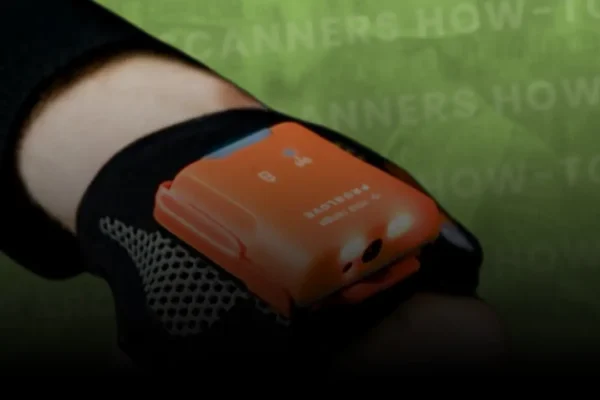
How to Connect ProGlove Wearable Scanner to a PC
Learn how to connect your ProGlove wearable scanner to a computer using the ProGlove Access Point.
Whether you’re switching from mobile to desktop or setting up hands-free scanning for your workstation, pairing your ProGlove to a PC is simple and efficient. This tutorial walks you through using the ProGlove Access Point with a USB connection, pairing your device via barcode, and confirming successful setup using tools like Notepad.
Watch the step-by-step setup to start scanning directly to your computer in seconds.
What You’ll Learn:
- How to connect the ProGlove wearable scanner to a PC via USB
- How to use the ProGlove Access Point for seamless pairing
- Real-time demonstration using Notepad for scan testing
- Benefits of hands-free scanning in desktop environments
- Why ProGlove is ideal for improving workflows in logistics, warehousing, and production
🛠️ Our Services Include:
• Barcode Printer Maintenance & Support
• WiFi Installation & Warehouse Network Design
• Barcode Verification & ISO Compliance
• Warehouse Mobility Solutions & Device Management
Simplify Scanning with Intermax
Need help setting up your ProGlove devices or integrating them with your WMS?
Intermax offers expert support for wearable scanners and enterprise-grade mobility solutions.
Or