How to Connect ProGlove Wearable Scanner to an Android Device
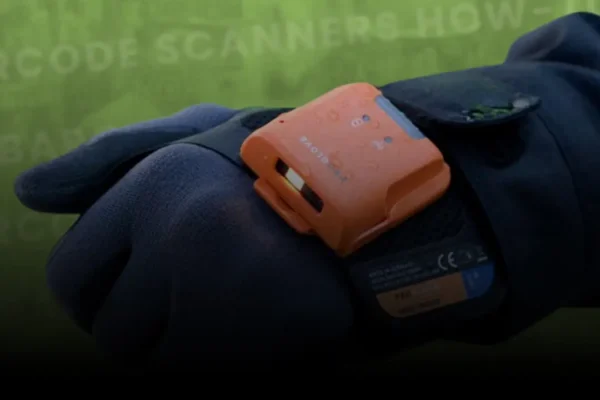
Learn how to connect your ProGlove wearable scanner to an Android device using the Inside Mobile app.
Whether you’re on the warehouse floor or in a mobile work environment, pairing your ProGlove scanner with Android devices makes hands-free data capture faster and more flexible. This video walks you through installing Inside Mobile, scanning the pairing barcode, and confirming successful data transfer using tools like notepad and Velocity emulator.
Get set up in minutes and unlock real-time scanning on the go.
What You’ll Learn:
- How to install and use the Inside Mobile app on Android
- How to pair your ProGlove scanner via barcode
- How to verify successful connection using notepad
- Using ProGlove with Velocity emulator for data input
- Why Android + ProGlove is perfect for mobile and warehouse workflows
🛠️ Our Services Include:
• Barcode Printer Maintenance & Support
• WiFi Installation & Warehouse Network Design
• Barcode Verification & ISO Compliance
• Warehouse Mobility Solutions & Device Management
Connect. Scan. Streamline
Intermax helps you deploy wearable scanning across mobile and warehouse environments.
From Android pairing to large-scale mobility rollouts, we help you work smarter.
Or