Denso Easy Pack Stocktake Guide
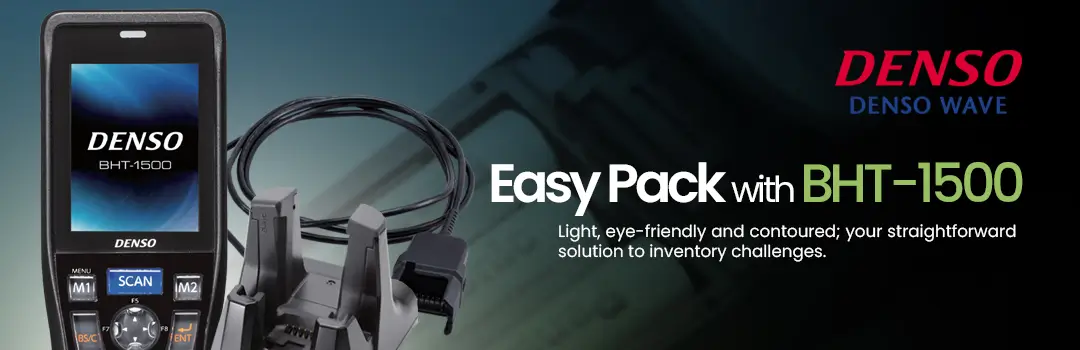
Learn how to Simplify Your Stocktake Workflow with Denso Easy Pack.
Struggling with stocktake inefficiencies? Discover how to enhance your inventory management with the Denso Easy Pack Stocktake Guide. Whether you’re counting products or tracking inventory in real-time, this guide helps you set up and optimize the Denso Easy Pack solution for seamless operations.
Our step-by-step instructions will walk you through the process, ensuring smoother navigation, faster data input, and improved accuracy. With Easy Pack, you can streamline stocktaking tasks and focus on what matters most – running your business.
Visit the Denso Easy Pack Stocktake Solution Page and watch our Easy Pack Stocktake Tutorial for detailed instructions.
Transform your inventory workflow today!